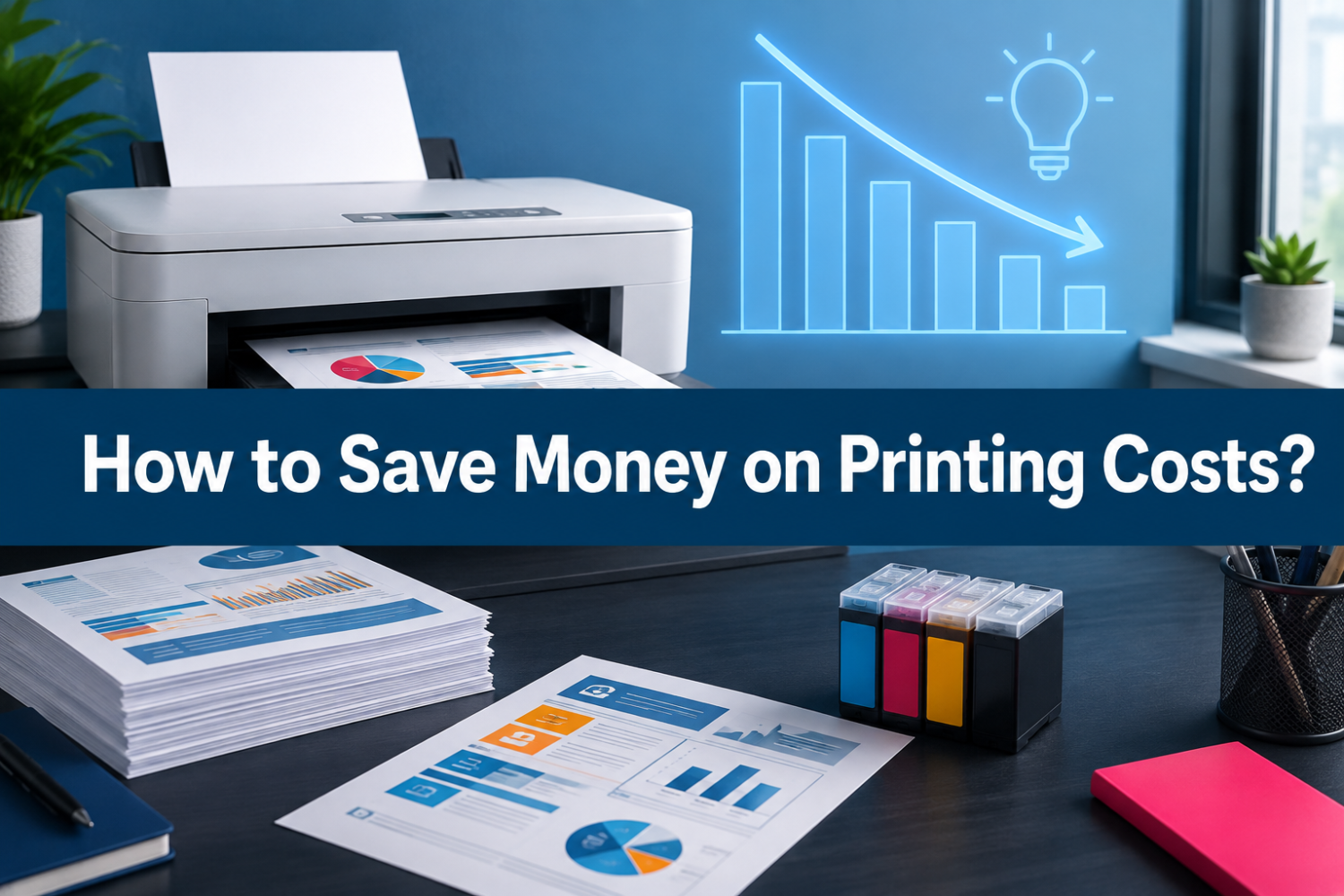
Printing may seem inexpensive when you only look at the cost of a single page. But over time, ink and toner can become one of the biggest ongoing costs of owning a printer.
Once you have already purchased a printer, there are only a few ways to reduce your printing expenses. You can print less, use less ink or toner, or choose more affordable replacement cartridges. For most home users, students, and small offices, choosing the right ink or toner cartridge is one of the easiest ways to lower printing costs.
Should you choose an original cartridge or a compatible one? Is a high-yield cartridge always worth buying? How can you find a reliable compatible ink or toner cartridge? And what else can you do to reduce your cost per page?
This guide explains several practical ways to save money on printing costs without making printing more difficult.
How Much Does It Really Cost to Print?
The cost of printing is more than the price of your printer.
When calculating your actual printing cost, you should consider:
- Printer ink or toner
- Cost per cartridge
- Page yield
- Cost per page
- Paper
- Frequency of cartridge replacement
- Maintenance costs
- Printer replacement costs
Among these expenses, ink and toner costs can add up quickly if you print frequently.
Choose a Compatible or Original Ink and Toner to Reduce Print Cost?
One of the biggest decisions when trying to reduce printing costs is whether to buy an original cartridge or a compatible cartridge.
Original Ink and Toner
Original cartridges are made by the printer manufacturer. For example, an HP printer may use an HP ink cartridge, while a Canon printer may use a Canon toner cartridge.
The main advantages include:
- Designed specifically for the printer
- Manufacturer support
- Simple installation
The main drawback is price.
Original cartridges can be expensive, especially if you print frequently. If you regularly replace cartridges, the cost can become a significant part of your overall printing budget.
Compatible Ink and Toner
Compatible ink cartridges and toner cartridges are made by third-party manufacturers for use with specific printer models.
They are designed to provide a lower-cost alternative to original cartridges.
For example, instead of buying an original HP 63XL ink cartridge, you may choose a compatible HP 63XL cartridge made for the same printer models.
The main reason many users choose compatible cartridges is simple: lower replacement costs.
A reliable compatible cartridge can be a practical choice for home users, students, and businesses that print regularly.
However, not every compatible cartridge is the same. Product quality can vary between suppliers. That is why choosing a reliable compatible ink or toner cartridge is important.
How to Choose a Reliable Compatible Ink or Toner Cartridge?
Price is important, but it should not be the only factor.
A very cheap cartridge may not be a good deal if it causes printing problems or needs to be replaced frequently.
When shopping for compatible printer ink or toner, pay attention to the following points.
1. Check Printer Compatibility
The first thing to check is whether the cartridge is compatible with your printer.
Look for the exact cartridge number, such as:
- HP 67XL
- Canon 067
- Brother TN830
- Kyocera TK 6327
Do not choose a cartridge based only on the printer brand.
Two cartridges from the same brand may look similar but use different designs and are not interchangeable.
Before ordering, check the product page for the supported printer models and cartridge number.
2. Check the Page Yield
Page yield tells you approximately how many pages a cartridge can print.
It is an important factor when comparing printing costs.
For example, suppose one cartridge costs $20 and prints 200 pages, while another costs $30 and prints 400 pages.
The first cartridge costs:
$20 ÷ 200 = $0.10 per page
The second cartridge costs:
$30 ÷ 400 = $0.075 per page
Although the second cartridge costs more when you buy it, its cost per page is lower.
This is why you should compare page yield instead of looking only at the cartridge price.
Keep in mind that actual page yield can vary. Documents with large images, heavy graphics, or high ink coverage can use more ink or toner than simple text pages.
3. Read Customer Reviews
Customer reviews can help you understand how a compatible cartridge performs in real use.
Look for reviews that mention:
- Print quality
- Cartridge recognition
- Installation
- Page yield
- Color accuracy
- Customer support
Do not focus only on the overall star rating. Read several detailed reviews to see whether customers have experienced the same issue repeatedly.
A reliable supplier should also provide clear product information and a reasonable return or warranty policy.
4. Look for a Clear Return or Warranty Policy
A good after-sales policy can give you more confidence when buying compatible cartridges.
Look for information about:
- Return periods
- Product warranties
- Replacement options
- Customer support
This is particularly useful when purchasing compatible cartridges for the first time.
A low price is helpful, but having support when something goes wrong is also part of the overall value.
High-Yield or Standard-Capacity Ink and Toner?
Another simple way to save money on printing is choosing the right cartridge capacity.
You may see two versions of the same cartridge:
- Standard yield
- High yield or XL
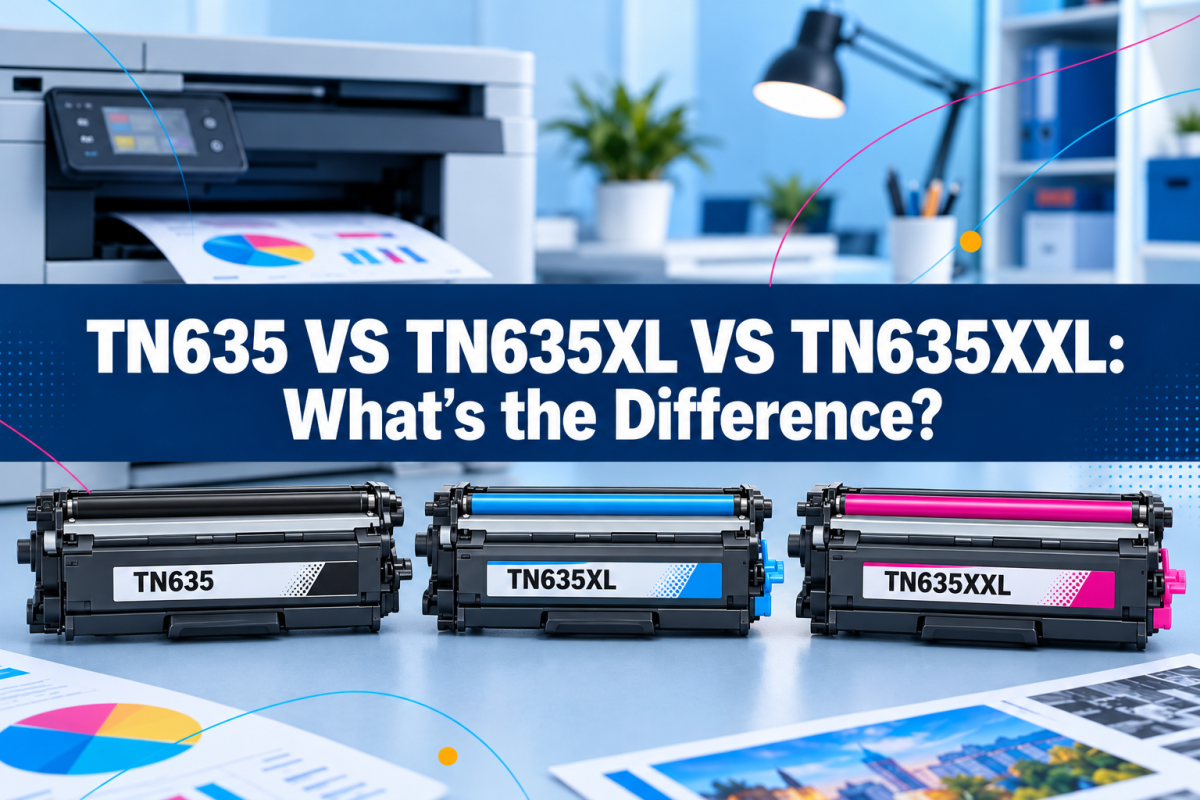
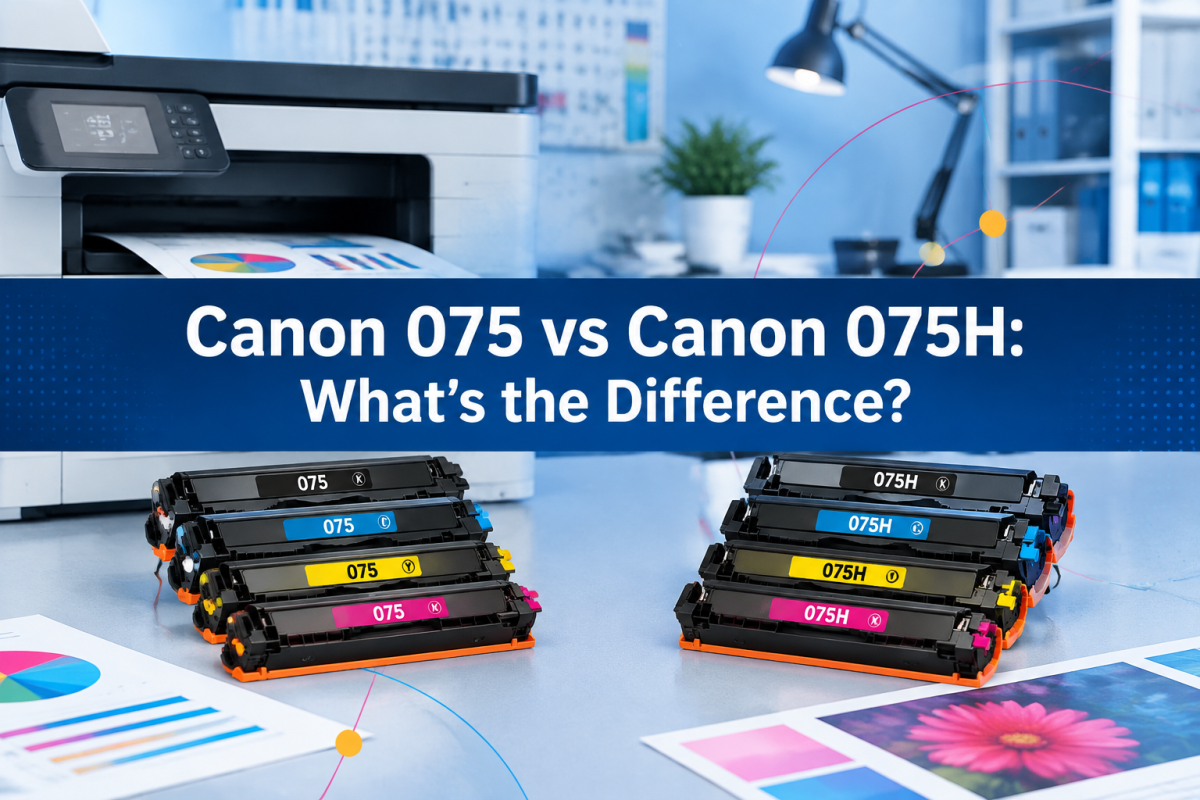
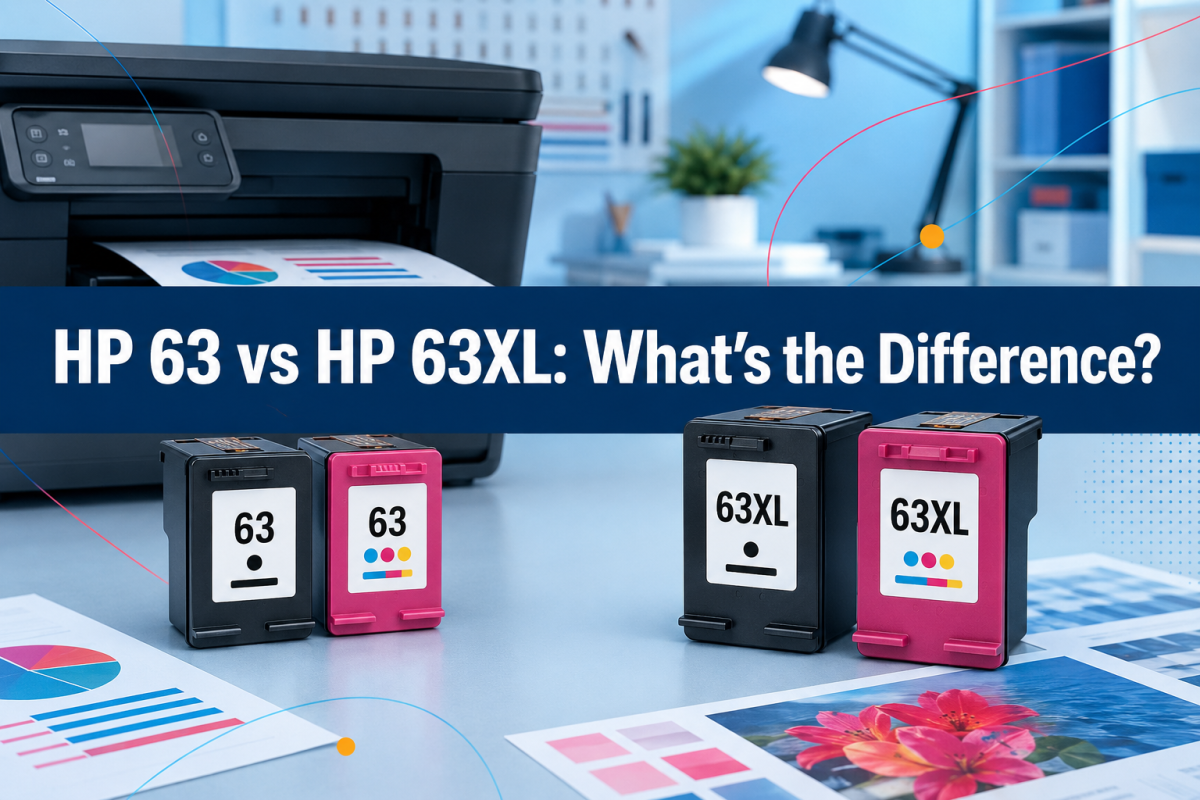
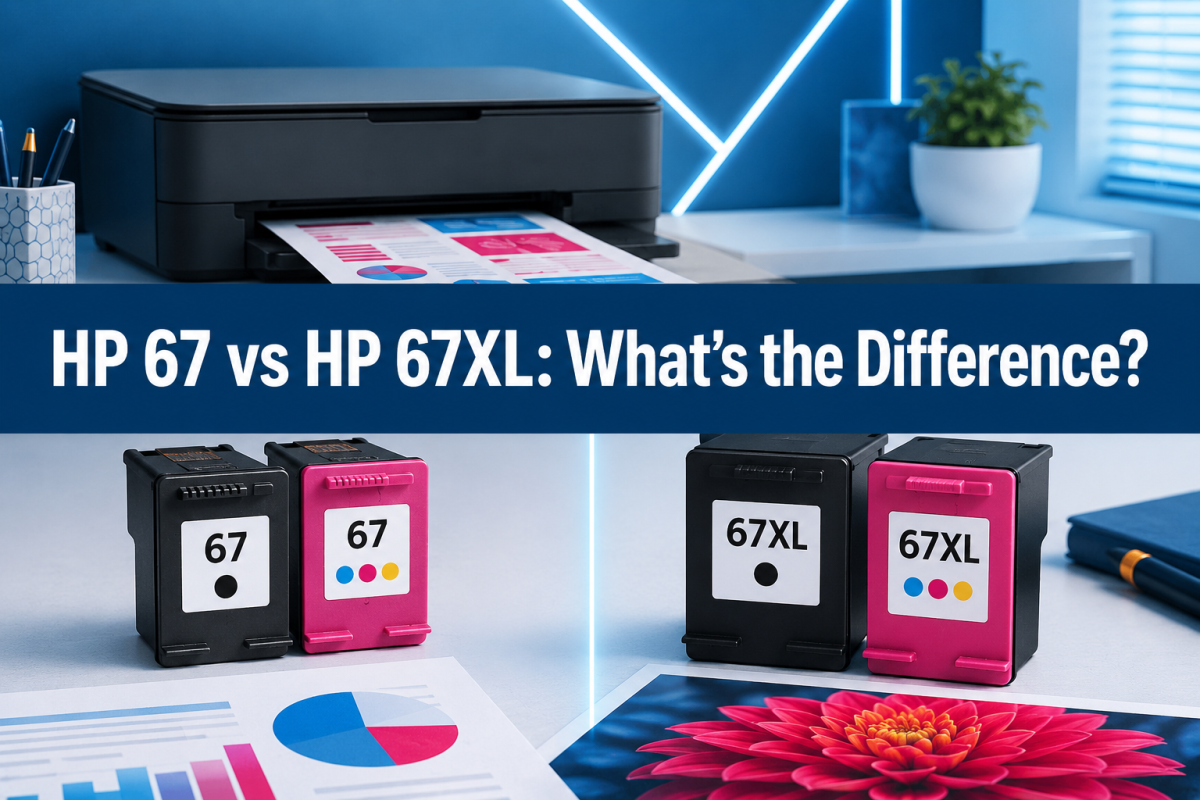
For example:
The standard version usually contains less ink and has a lower page yield.
The XL or high-yield version contains more ink and can print more pages.
But should everyone buy XL?
A Simple Rule
Light printing → Standard capacity may be enough.
Frequent printing → High-yield may provide better value.
The key is to compare the cost per page, not just the price of one cartridge.
Buy Ink or Toner Based on Your Printing Habits
Another useful way to lower your printer ink cost is to understand your own printing habits.
Ask yourself:
How many pages do I print each month?
If you print 20 pages per month, you may not need to buy a large multi-pack.
If you print 500 pages per month, buying individual low-yield cartridges may not be the most economical option.
Do I print mostly black and white?
If most of your documents contain black text, you may use black ink or toner much faster than color.
In this case, consider a product option that provides more black cartridges.
For example, a pack with 2 black and 1 tri-color cartridge may make more sense than buying equal quantities of black and color cartridges.
Do I print photos or graphics?
If you frequently print photos, presentations, or colorful documents, you may use color ink faster.
Your cartridge choice should reflect that.
Frequently Asked Questions About Saving Printing Costs
Is compatible ink cheaper than original ink?
In many cases, compatible ink cartridges are less expensive than original cartridges. The actual savings depend on the product, supplier, page yield, and cartridge price.
Are compatible toner cartridges worth buying?
They can be a practical option if you choose a compatible toner cartridge with clear printer compatibility, reliable quality, and a reasonable return or warranty policy.
How can I reduce printer ink usage?
Use print preview, avoid unnecessary pages, select grayscale for black-and-white documents, and use draft or economy mode when appropriate.
What is the best way to reduce printing costs?
There is no single solution. A combination of choosing affordable cartridges, comparing cost per page, using high-yield options when appropriate, and reducing unnecessary printing can make the biggest difference.