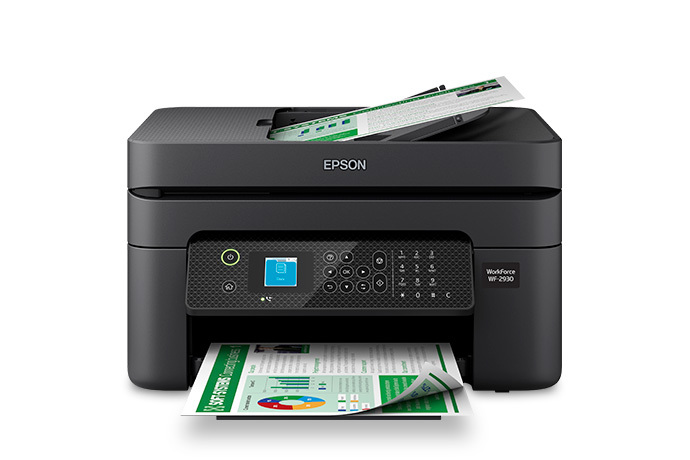
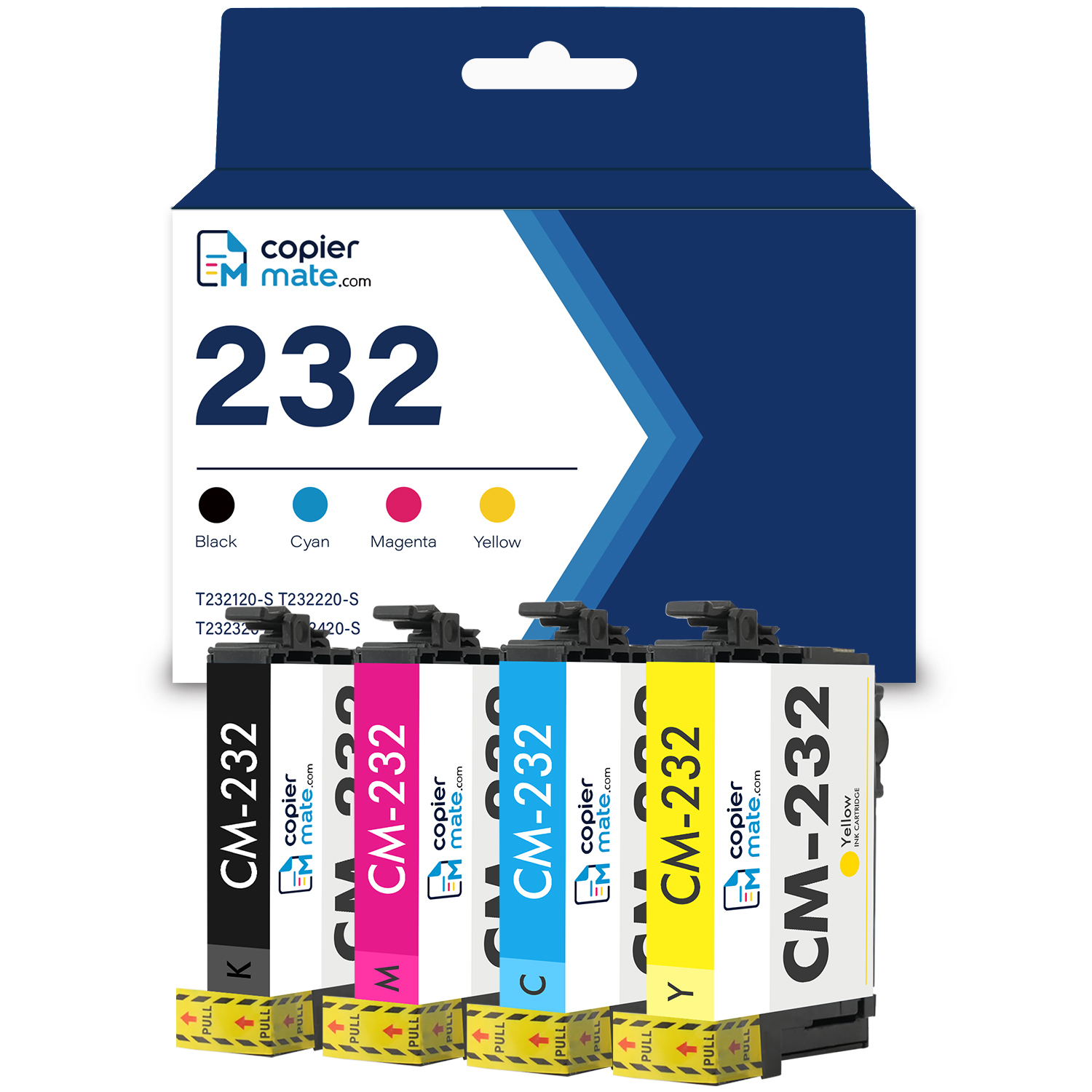
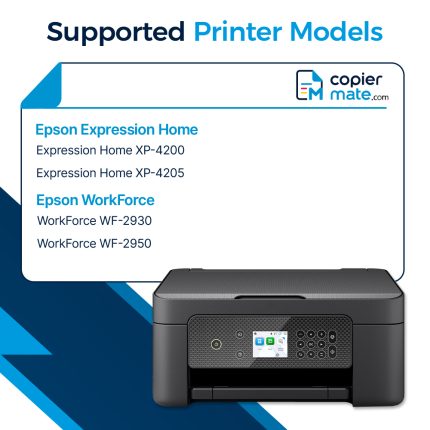
Epson WorkForce WF-2930 Ink Cartridge
From
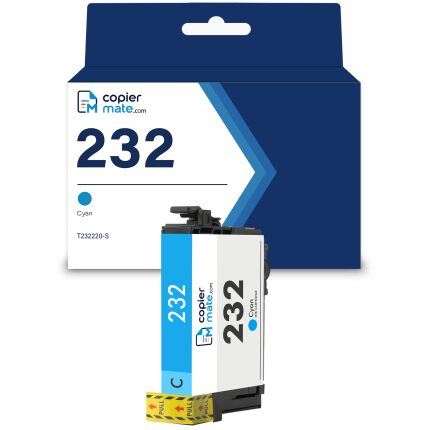
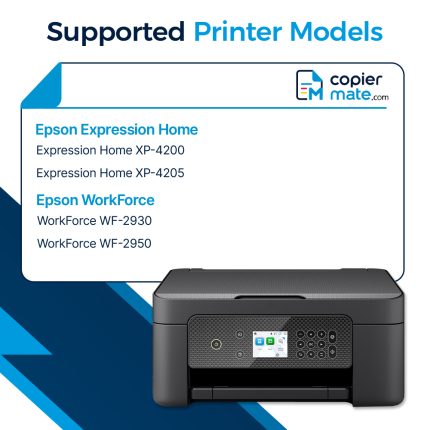
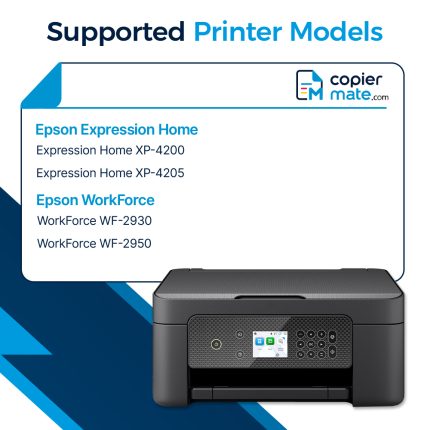
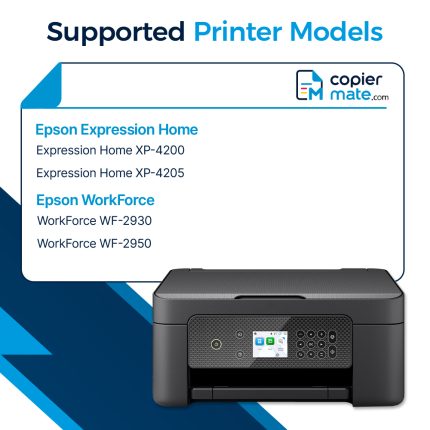
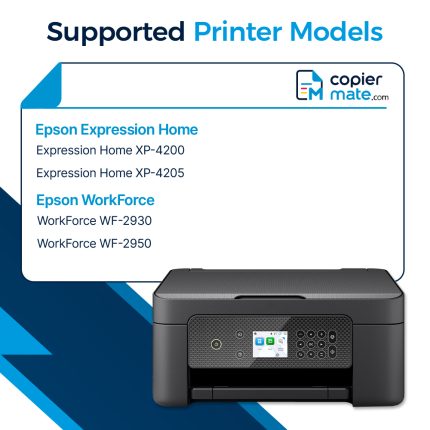
Find Epson WorkForce WF-2930 ink cartridges for your Epson WF-2930 printer. Our store offers ink options for users who need dependable printing for home and office tasks. Whether you print business documents, reports, forms, or color pages, the right ink cartridge helps support your daily work. Epson WF-2930 ink is suitable for different printing needs and allows you to replace individual cartridges when needed. With convenient shopping and simple installation, keeping your Epson WorkForce WF-2930 ready for printing is easy.
Shop All Replacements for WorkForce WF-2930
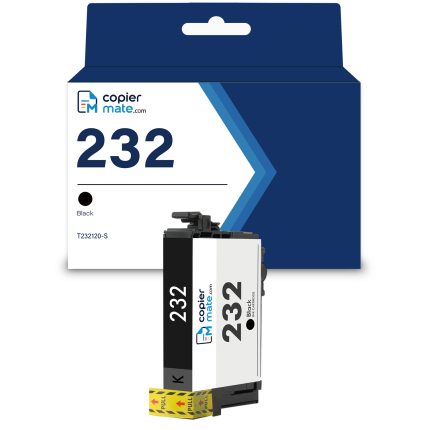
Compatible Epson 232 Black Ink Cartridge – T232120-S
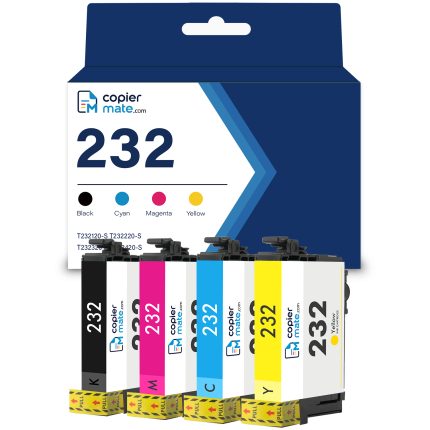
Compatible Epson 232 Ink Cartridge 4-Pack | Standard Capacity
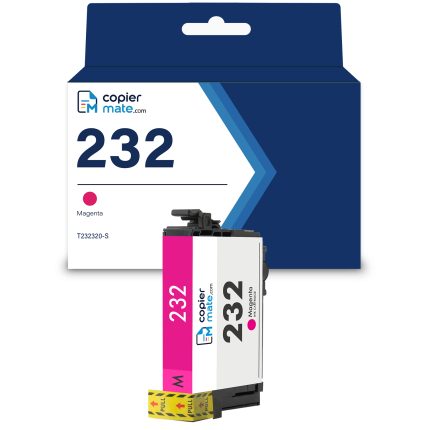
Compatible Epson 232 Magenta Ink Cartridge – T232320-S
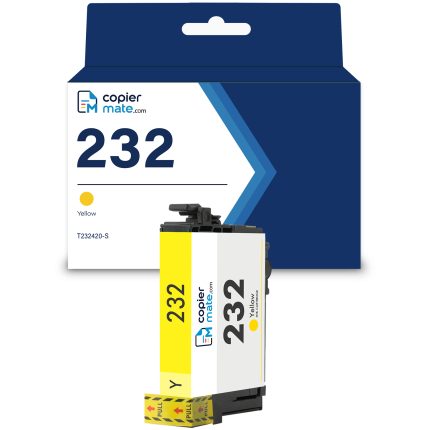
Compatible Epson 232 Yellow Ink Cartridge – T232420-S
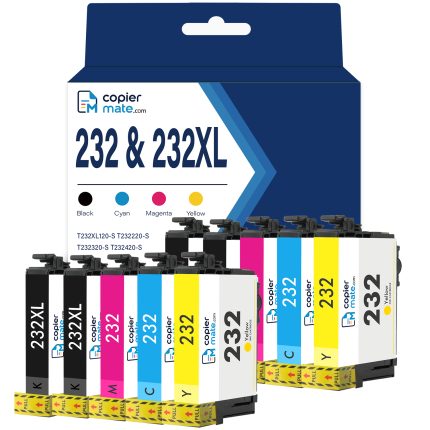
Compatible Epson 232XL Black and 232 Color Ink Cartridges 10-Pack
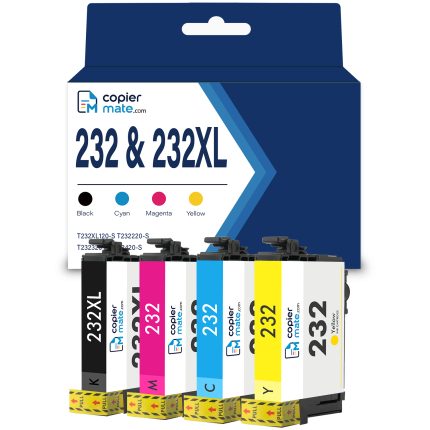
Compatible Epson 232XL Black and Epson 232 Color Ink Cartridges 4-Pack
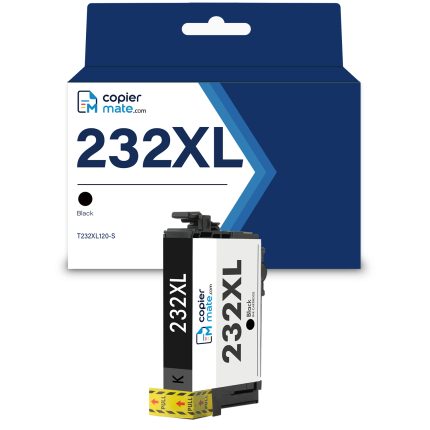
Compatible Epson 232XL Black Ink Cartridge – High Yield
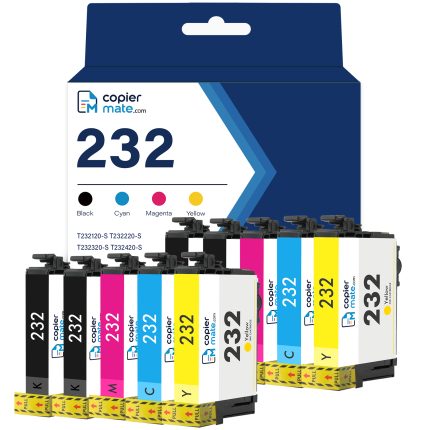
Compatible Epson Ink 232 Ink Cartridges Combo Pack of 10
Epson WF-2930 Ink Cartridge Options
Looking for Epson WorkForce WF-2930 ink? Our store provides ink cartridges for the Epson WF-2930 printer.
You can choose black, cyan, magenta, and yellow ink cartridges. Black ink is commonly used for text documents, while color ink helps create clear images, charts, and presentations.
Ink for Home and Office Use
The Epson WorkForce WF-2930 is designed for users who need a printer for both work and personal tasks. It can handle invoices, letters, reports, school documents, and other everyday printing jobs.
Keeping extra ink cartridges available helps prevent delays when your printer needs replacement ink.
Convenient Ink Replacement
Replacing ink cartridges is easy. Simply remove the old cartridge and install a new one according to the printer guide.
Shop Epson WF-2930 Ink Cartridge at Copiermate
Our store offers Epson WorkForce WF-2930 ink cartridge options for different printing needs. Find the right ink and keep your printer prepared for your next project.